Capture requested timing
Record whether the customer needs help now or has a preferred window. Availability is a request until your team confirms the service plan.
Locksmith Scheduling Software
A planned rekey and an urgent lockout can land in the same day. Lyncr helps you review requests, save the agreed appointment and keep the job details close to the schedule.
Create a locksmith account →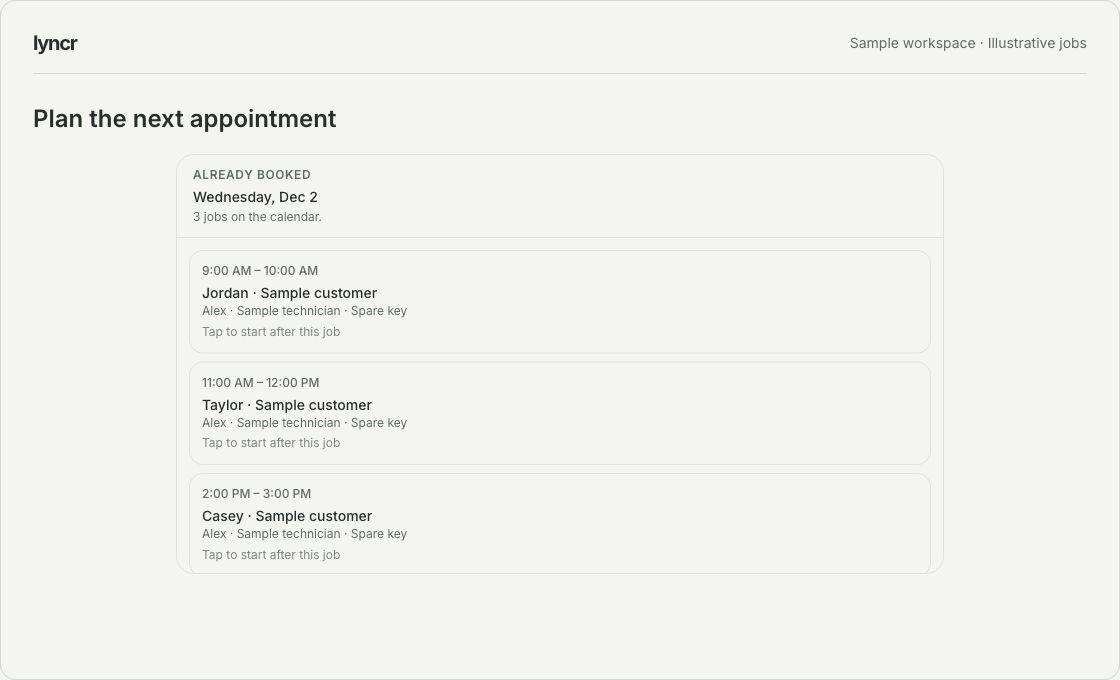
Record whether the customer needs help now or has a preferred window. Availability is a request until your team confirms the service plan.
Review the customer’s details, choose an appointment and assign the work when the plan is agreed.
Reopen the saved job to adjust the appointment or follow-up. Review customer messages before sending an update.
Yes. Solo locksmiths can manage their own calls, callbacks and appointments in the same workspace.
No. Customer availability and a confirmed appointment are separate. Your team reviews the request before confirming service.