Review the request first
Check the customer’s service needs, location and agreed plan before you assign work. Requested ASAP timing does not mean service is already confirmed.
Locksmith Dispatch Software
Sending a technician an address is only the beginning. Keep the service details, assignment, acceptance and work updates connected so the office and field team can see what happens next.
Create a locksmith account →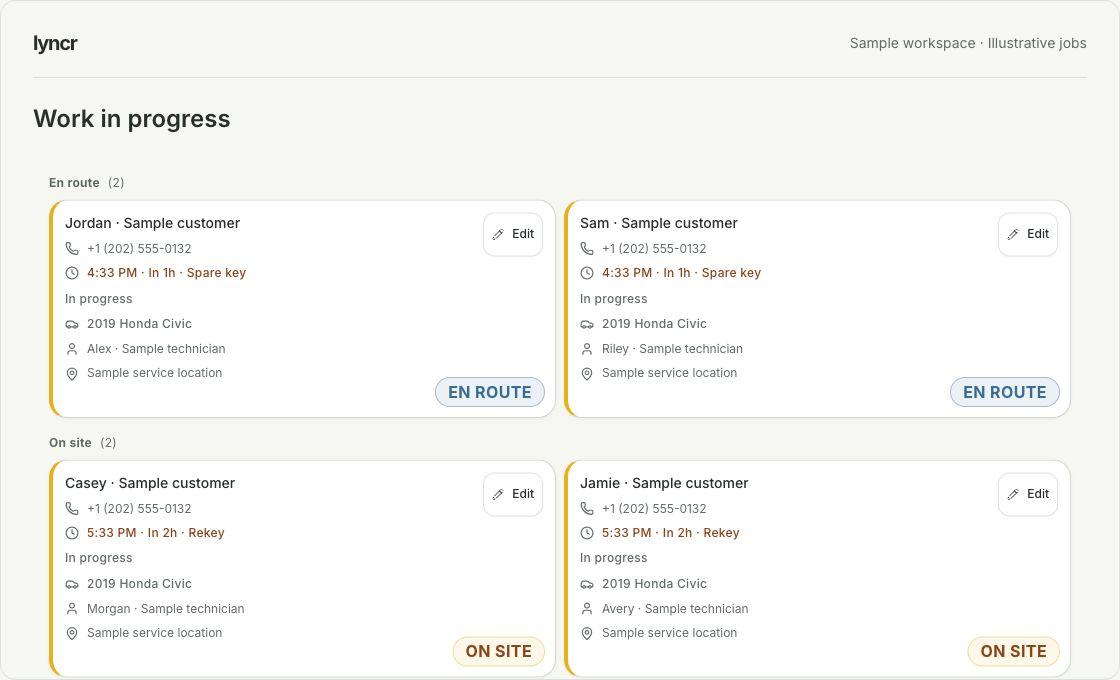
Check the customer’s service needs, location and agreed plan before you assign work. Requested ASAP timing does not mean service is already confirmed.
Keep the vehicle, service address and job notes in the record your technician opens from their phone.
Review assignment acceptance, route and work updates. Recorded collections stay separate from verified payment and final closeout.
Yes. Lyncr supports owner-operated work as well as assignments to field technicians.
No. A separate technician’s acceptance is shown as its own step. Self-assigned owner work does not require a separate acknowledgment.