Choose who answers
Route your business line to your phone or your team. Review routing and make a test call before relying on a new setup.
Locksmith Call Management Software
A phone call can come in while you are cutting a key, driving to the next job, or helping another customer. Lyncr keeps the call and its follow-up in one workspace so you can pick it up when you are ready.
Create a locksmith account →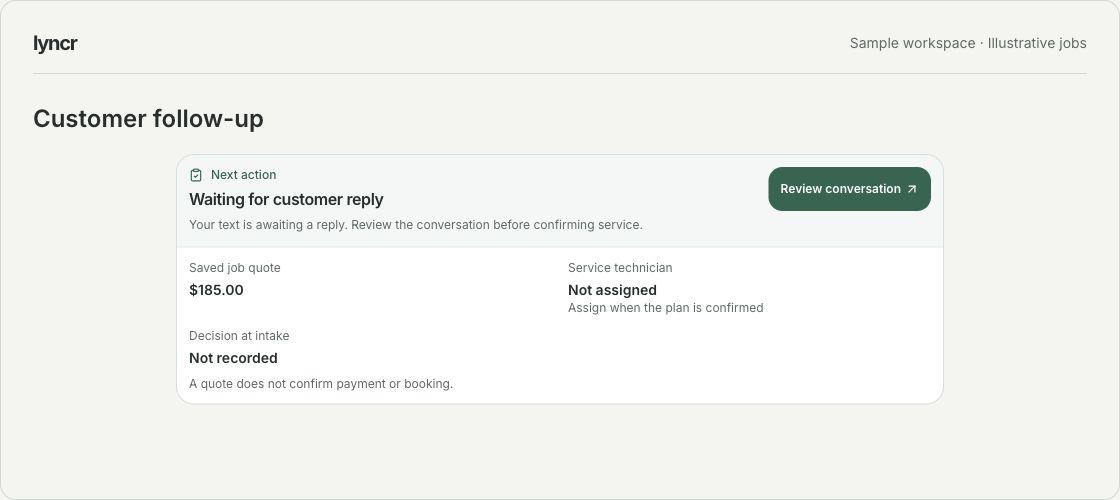
Route your business line to your phone or your team. Review routing and make a test call before relying on a new setup.
Keep the service request, vehicle details, address and quote with the original call. Missing details remain visible for review.
Open the customer conversation, review a text before sending it, and record a callback or the next action. A request stays separate from a confirmed booking.
You can request a number transfer or start with a new number. Eligibility and transfer timing depend on your carrier.
No. Customer details and requested timing are saved for review. Your team still needs to confirm service and assignment.